
This is a common next step, not a failed setting
People usually find Vehicle Motion Cues after a friend, a review, or an Apple support page. They open Settings, turn the dots on, and go back to the same chapter. When the nausea stays, it feels like the feature “didn’t work.”
More often the dots did their limited job: they put a little motion around a still screen. They do not flatten a switchback, fix a rear-facing seat, or make a close page behave like the horizon. Apple’s own write-up is modest about that. The feature may help you use the iPhone more comfortably. It does not claim to settle every ride.
First, check whether the dots themselves are too loud
If you keep watching the animation instead of the sentence, the cues have become another moving object. That is the opposite of a quiet reference.
On the same Motion screen, open Customize Appearance and try a calmer pattern, a smaller count, or a color that sits back from the page. If you still notice the dots more than the road or the text, turn the feature off for a few minutes. A comfort setting you cannot ignore is no longer helping.
Then give your eyes a farther target
Before you add another app, do the unglamorous things. Hold the phone lower. Stop mid-paragraph. Look out the windshield, not at the pillar. Face forward if you can, and let your head rest.
If you only needed a map check, take the glance and look up again. Continuous scrolling is harder than a single lookup. The reading guide walks through that pattern in more detail.
If you still need the phone
Stay a passenger. Do not change settings or start an app while you are driving.
Apple’s dots can stay on while you use Kindle, Messages, or Maps. That is their real advantage. If the full-screen iPhone is still the problem, AntiSick is a different kind of tool, not a louder version of the same dots:
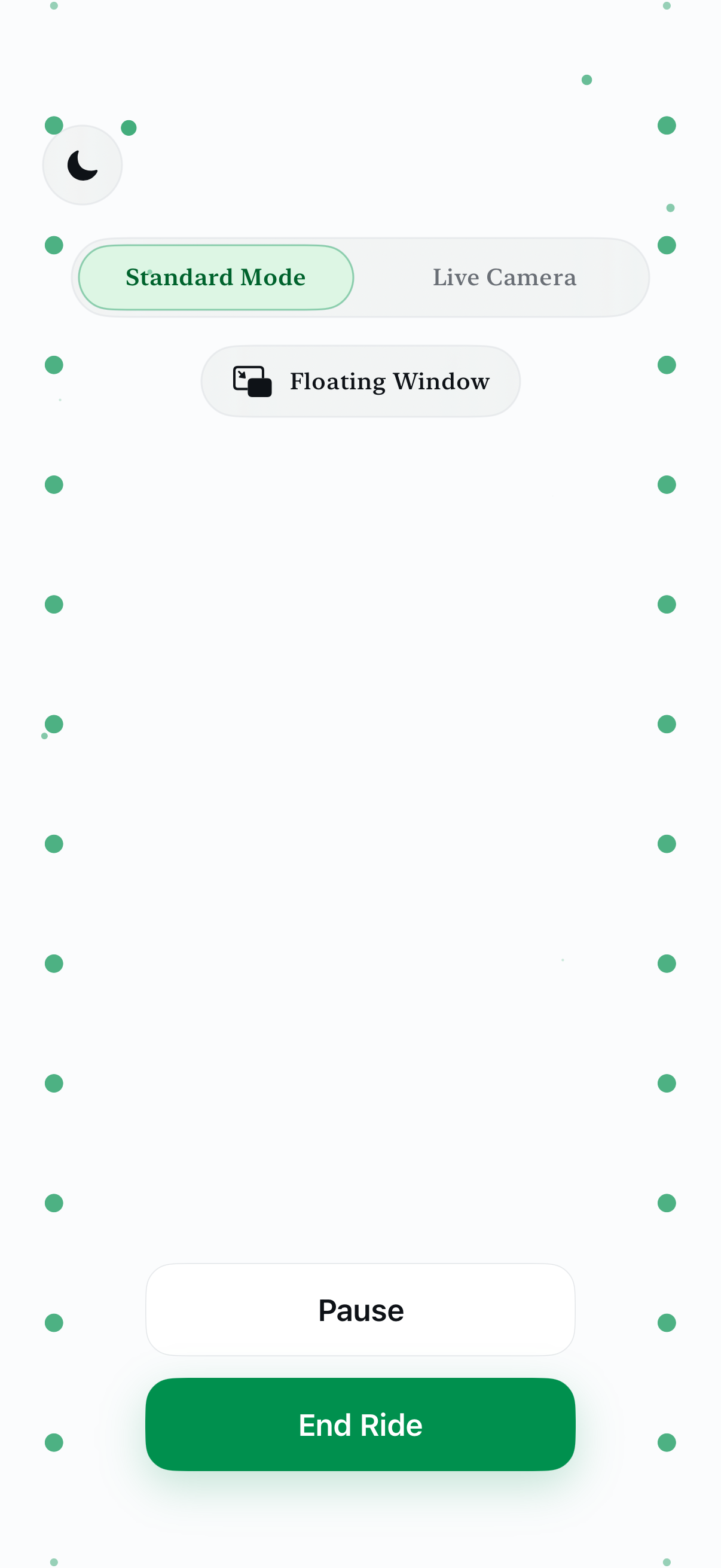
- Visual lives inside AntiSick. Standard Visual can sit in a Floating Window so the rest of the phone is free for another app.
- Audio is for when looking is the problem. A short 100 Hz tone or a quiet soundscape does not ask you to keep reading.
- Breathing gives you a slow rhythm if you would rather rest your eyes completely.
Do not run every visual layer at once “just in case.” Pick one thing to try. If it makes the ride noisier, stop it.
Set this up before the car moves
Once you already feel off, digging through Settings or an onboarding flow is miserable. If you know a trip usually goes this way, decide the plan in the driveway: Apple dots on or off, whether you will read at all, and whether you want an AntiSick mode ready. Then leave the phone alone if you are the one driving.
Passenger safety: Do not configure iPhone settings or open AntiSick while driving. If a visual tool pulls your attention off the road view, or if discomfort rises, put the phone down.
When looking is the hard part
AntiSick’s Audio and Breathing modes are there for rides where you would rather not keep staring at a page. Each mode includes one full free ride.
Questions
Why can Vehicle Motion Cues be on and I still feel off?
The dots add a motion reference around the screen. They do not cancel a winding road, a low seat, or a close page. For some people the animation itself is extra motion to track.
Should I add more dots or a busier pattern?
Usually no. If the cues already feel loud, use Customize Appearance to make them quieter, or turn them off for a stretch.
Should I keep reading once I feel rough?
Pause the page first. Look outside and ahead. Come back to the screen only if you feel steadier, and stop if the discomfort returns.
Is AntiSick a stronger version of Apple’s dots?
No. Apple’s setting can sit over other apps on its own. AntiSick is a separate app you open for a visual ride, a short 100 Hz tone, a soundscape, or a breathing guide.
Sources
AntiSick is an independent app and is not affiliated with or endorsed by Apple. This page is not medical advice.