Motion cues
Responsive visual references use device motion to give passengers a steadier point of orientation.
A calmer companion for passengers
AntiSick brings visual motion cues, guided breathing, soothing audio, and simple ride progress together in one calm, private toolkit.
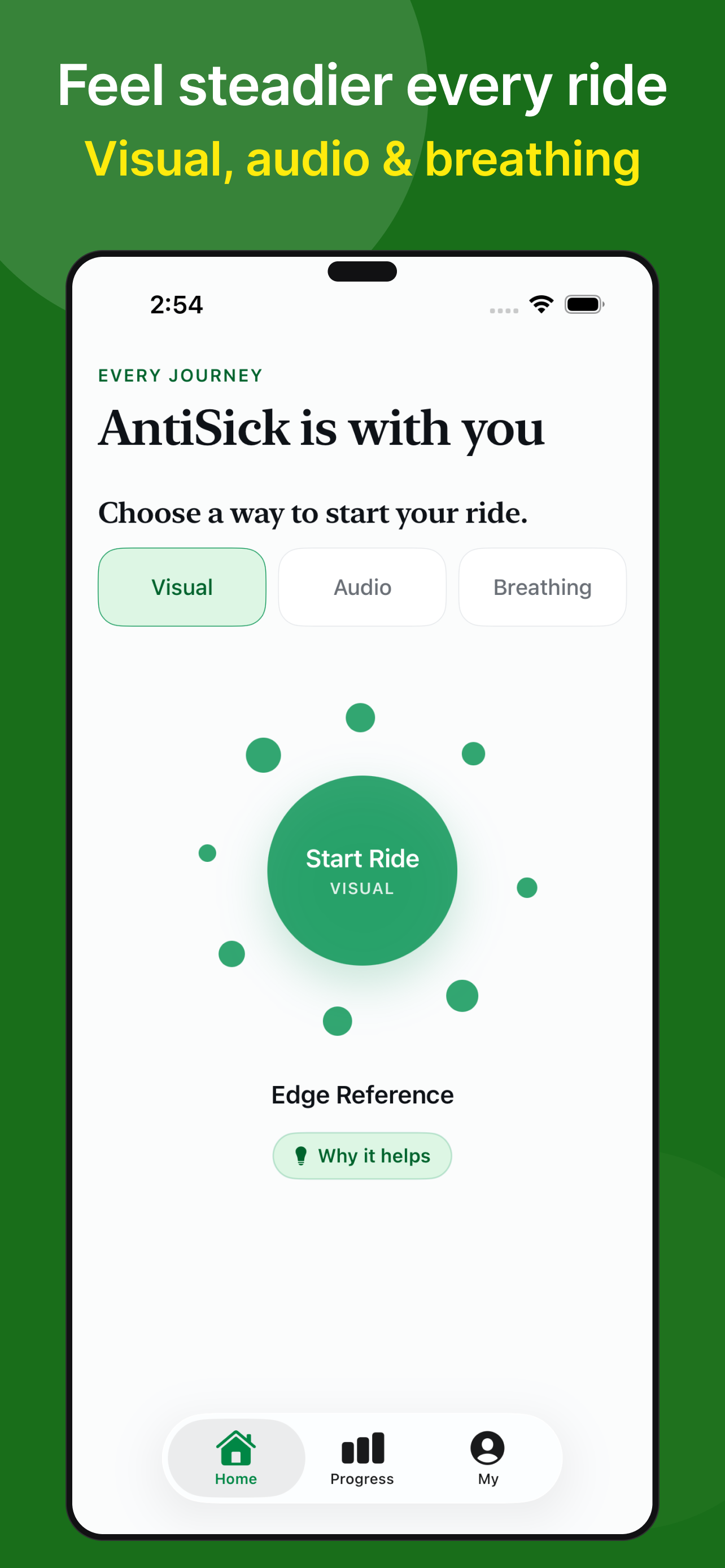
Choose what feels right
Pick one comfort mode for the ride—Visual, Audio, or Breathing. Your preferences and ride history stay on your device.
Responsive visual references use device motion to give passengers a steadier point of orientation.
Follow an unhurried breathing rhythm or settle in with gentle, soothing audio during the ride.
Keep a simple local record of journeys, comfort feedback, progress, and the tools you prefer.
Built with restraint
No account, advertising, or analytics SDK is required. Camera frames and raw motion readings are processed temporarily on your device and are not recorded or uploaded by AntiSick.
Passenger guides
Short, source-backed guides for using iPhone features and choosing simple passenger comfort strategies.
Turn on Apple’s built-in animated cues and understand how AntiSick offers a different set of tools.
Read the guide → Travel guideLearn why visual context, controlled breathing, and fewer close-up visual tasks may matter.
Read the guide → Reading guideUnderstand the visual mismatch and what to try when a book or phone starts to feel uncomfortable.
Read the guide → iOS 17 guideApple’s dots start with iOS 18. On iOS 17 you can still use passenger habits and AntiSick.
Read the guide → After the dotsThe setting can be on and a book or phone can still feel rough.
Read the guide → Audio guideA short low hum is not a playlist. Keep volume low.
Read the guide →Get AntiSick
Download AntiSick on the App Store and keep a calmer toolkit in your pocket.