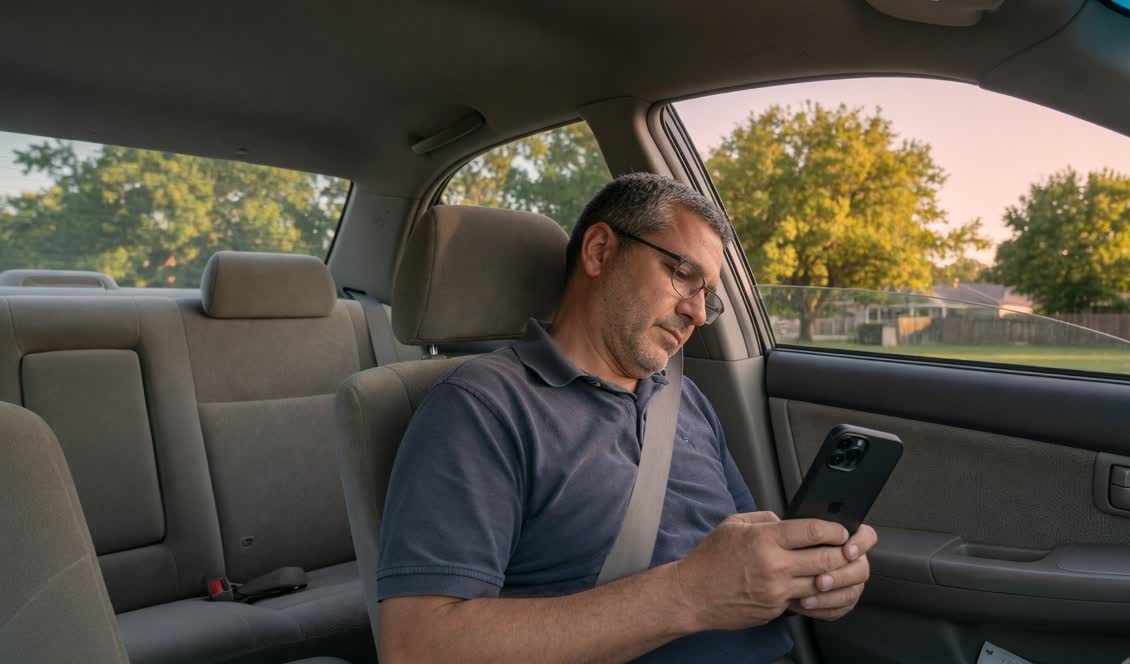
Check your iOS version first
The missing setting is a system-version question, not an App Store download. On your iPhone, open Settings, then General, then About, and look at iOS Version.
- iOS 18 or later: Vehicle Motion Cues may be available under Settings → Accessibility → Motion.
- iOS 17: that accessibility feature is not on the device. Updating is optional; you do not have to change system versions to use a passenger comfort app.
- iOS 16 or earlier: AntiSick is not supported. The app requires iOS 17 or iPadOS 17.
Menu labels can vary slightly by region and iOS version. Follow the menus you actually see. Check this only as a passenger, preferably before the vehicle moves.
What Vehicle Motion Cues need
Vehicle Motion Cues is an iPhone and iPad accessibility feature. Apple introduced it with iOS 18 and iPadOS 18. It can show motion-linked dots at the edges of the display, including over other apps, and it can turn on automatically during some road travel.
It is not an app you install, and it is not part of AntiSick. If the phone is still on iOS 17, you will not find the control. That is expected.
What you can still do on iOS 17
You do not need a system overlay to try calmer passenger habits. Public-health guidance still starts with the same basics: face forward when you can, look toward a distant view, pause close-up reading or scrolling, and keep head movement gentle.
If you still want something on the phone, AntiSick runs on iOS 17 and iPadOS 17. It is a dedicated ride toolkit you start yourself:
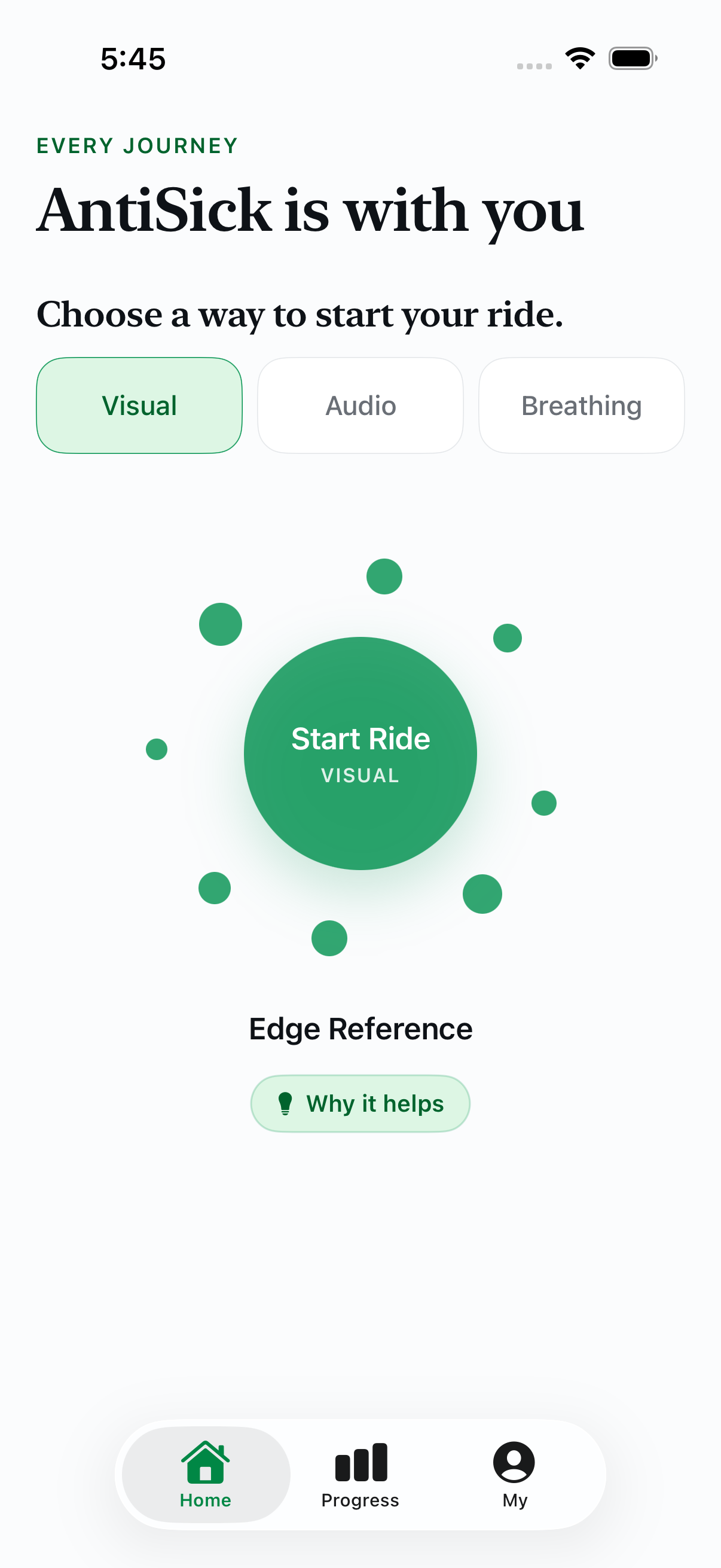
- Visual: motion-linked dots and other styles inside AntiSick, with intensity and color controls.
- Floating Window: keep Standard Visual cues in a system Picture in Picture window while you use another app.
- Audio: a short 100 Hz balance-tone session, a comfort soundscape, or both. Keep volume low; headphones are strongly recommended for tone sessions.
- Breathing: follow a Natural Calm rhythm with optional haptic and voice cues when you would rather not stare at the screen.
Each mode can be used for one complete ride without paying. None of these options is a medical treatment, and none replaces looking up from the phone if discomfort rises.
iOS 17 and iOS 18 side by side
| Capability | iOS 17 | iOS 18 or later |
|---|---|---|
| Apple Vehicle Motion Cues | Not available | Built-in accessibility setting |
| AntiSick Visual, Audio, Breathing | Supported | Supported |
| Use Apple’s dots and AntiSick together | Not applicable | Yes. They are independent. |
If you later update to iOS 18
Updating can add Apple’s system dots. It does not replace AntiSick, and it is not required to keep using the app. After an update you can use Vehicle Motion Cues, AntiSick, both, or neither on a given ride.
Some passengers keep the system dots on while reading and switch to AntiSick Audio or Breathing if looking at the screen starts to feel worse. Choose the quieter option. Stop any visual tool that becomes distracting.
AntiSick is not a replacement for the iOS setting
Apple’s feature is a system-wide visual reference for supported road travel. AntiSick is a focused passenger app with visual styles, optional audio, guided breathing, and private on-device ride notes. That is a difference in scope, not a claim that one option works better.
Passenger safety: Do not check iOS settings, start AntiSick, or use motion cues while driving. Stop any visual tool if it increases discomfort or distracts you from your surroundings.
A passenger toolkit that works on iOS 17
Try one full Visual, Audio, and Breathing ride free in AntiSick.
Questions
Does iOS 17 have Vehicle Motion Cues?
No. Apple’s Vehicle Motion Cues require iOS 18 or iPadOS 18. On iOS 17 the setting is not present.
Do I have to update to iOS 18 to use AntiSick?
No. AntiSick supports iOS 17 and iPadOS 17. Updating is optional and is not required to try Visual, Audio, or Breathing.
If I update, should I stop using AntiSick?
No. The two tools are independent. You can use Apple’s setting, AntiSick, both, or neither.
Is this a medical treatment?
No. AntiSick is a comfort toolkit for passengers, not a medical device, and it does not diagnose, prevent, treat, or cure motion sickness.
Sources
AntiSick is an independent app and is not affiliated with or endorsed by Apple. This guide describes software availability and is not medical advice.